CRM Migration
Move customer data from spreadsheets, legacy CRMs and bespoke systems into Dynamics 365 — cleansed, mapped and validated, with minimal disruption to your team.
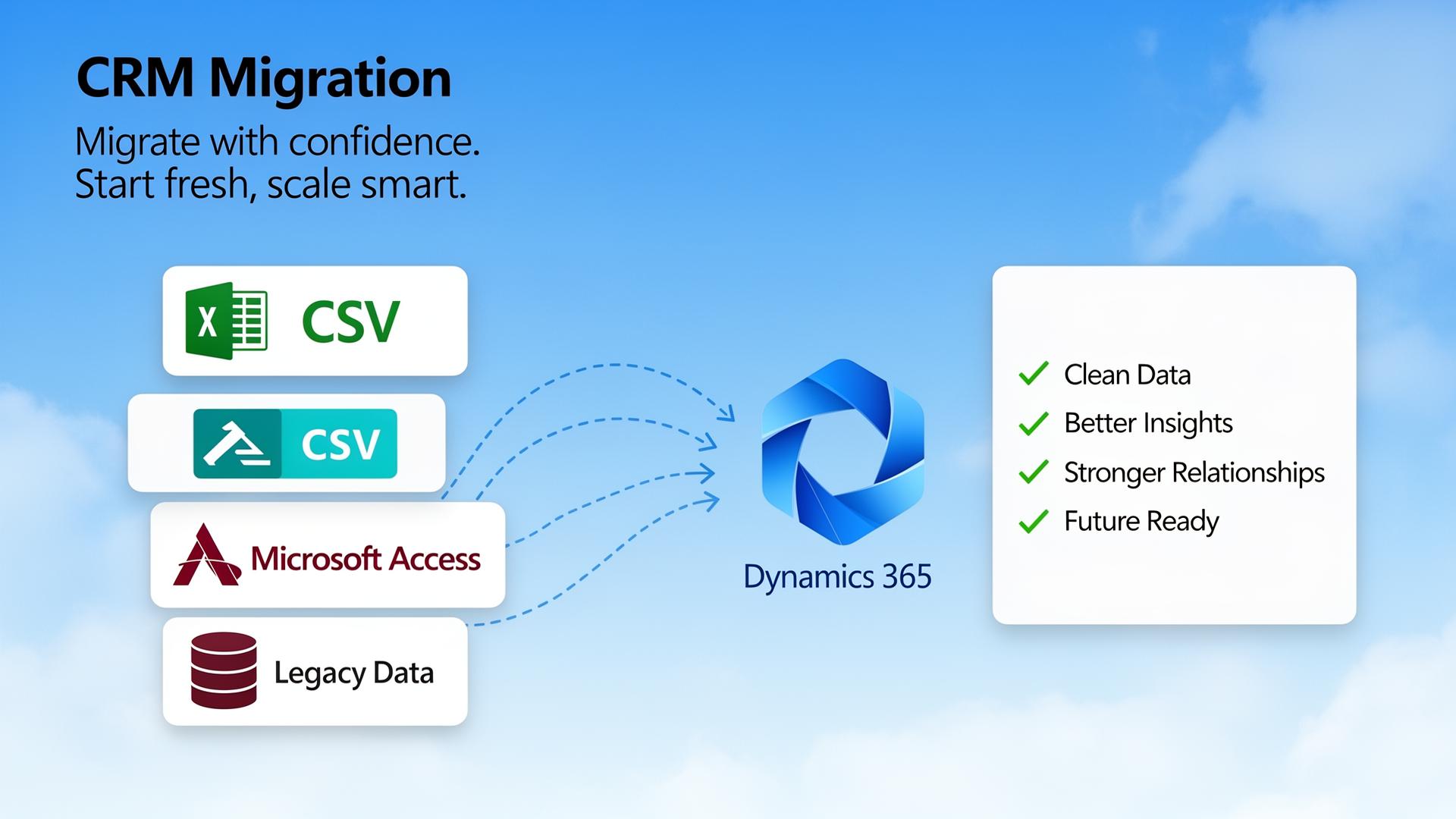
What is CRM migration?
CRM migration is the process of moving customer, sales and service data out of older systems — spreadsheets, Access databases, legacy CRMs or bespoke tools — and into a modern platform such as Microsoft Dynamics 365. Done well, it gives your team a single, trusted view of customers and a foundation for better reporting and process improvement.
It is more than copying data across. A successful migration involves auditing what you have, deciding what to keep, cleansing and deduplicating records, mapping fields between systems, running test migrations, validating results with the people who use the data every day, and then cutting over with appropriate go-live support.
Common starting points
- Spreadsheet to CRM: consolidating contacts, accounts and pipelines from many Excel files.
- Legacy CRM to Dynamics 365: moving from older platforms while preserving history.
- Data cleansing before migration: deduplication, standardisation and enrichment ahead of go-live.
- Phased migration: moving entities (contacts, accounts, opportunities, cases, activities) in stages to reduce risk.
What we focus on
- Reducing user disruption and protecting data quality.
- Mapping fields, picklists and relationships carefully.
- Validating with business users before sign-off.
- Planning rollback and contingency steps.
Scope and timelines depend on data volume, data quality, the source systems involved, integrations, licensing and how prepared the business is to adopt new ways of working. We help you scope realistically rather than promising a one-size-fits-all timeline.
How a CRM migration unfolds
A structured path from legacy systems and spreadsheets through to a clean, validated CRM.
- Step 1Current systems
- Step 2Data audit
- Step 3Cleansing
- Step 4Field mapping
- Step 5Test migration
- Step 6Validation
- Step 7Final migration
- Step 8Go-live support
What changes for your team
Before
- Duplicate and inconsistent records across spreadsheets
- Disconnected sales, service and finance data
- Reporting built from manual exports
- Hard-to-trace customer history
After
- Cleansed, deduplicated and structured CRM data
- A single view of accounts, contacts and activity
- Reliable dashboards built on live data
- Audit trail and improved data quality controls
Why choose this service
Cleaner customer data
Deduplicated and standardised records you can trust.
Reduced manual work
Less time spent reconciling spreadsheets and chasing data.
Better reporting
Reliable dashboards built on a single source of truth.
More reliable processes
Sales and service teams work from consistent customer information.
Lower migration risk
Test migrations, validation and rollback planning reduce surprises.
A foundation for growth
A clean platform ready for automation, reporting and integrations.
How it works
Discovery & data audit
Understand source systems, data quality and the customer view you want.
Data mapping
Map fields, picklists and relationships from source to target.
Cleansing & preparation
Deduplicate, standardise and enrich data before it moves.
Test migration
Run dry-runs and review results with business users.
Validation & sign-off
Confirm record counts, key fields and reporting are correct.
Go-live & support
Final cutover with hands-on support during the transition.
Frequently asked questions
Tell us about your project
Ready to discuss CRM Migration?
Start the guided enquiry form and tell us what you need help with — it only takes a couple of minutes.
Ready to talk about CRM Migration?
Get in touch and we'll show you how we can help.